VMware Workstation Gen 9: BOM2 P3 Workstation Installation and configuration
Now that my hardware and OS are ready the next step is installing Workstation. Once Workstation is ready I’ll add in the previously configured VMs. In this blog I’ll cover these steps and get the VCF Environment up and running.
Note: There really isn’t a playbook or documentation for what I am attempting to do with Workstation, VCF 9, and BOM2. I’m pushing it beyond it limits and it’s going to be a bit of hit or miss. Fair Warning — As I move forward everything I post is subject to be changed, updated, or corrected.
Workstation Pro 25H2u1 Update
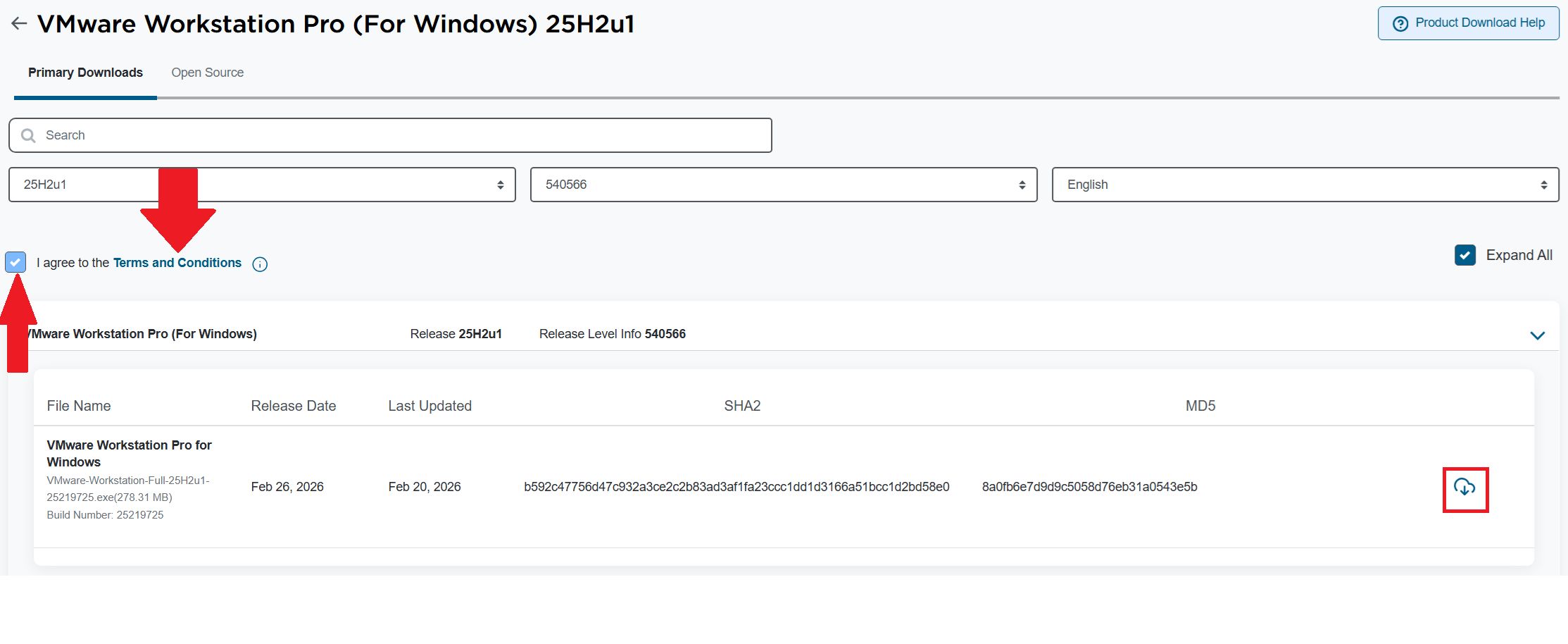
I’ll need to download VMware Workstation Pro 25H2u1. The good news is, it’s free and users can download it at the Broadcom support portal. You can find it there under FREE Downloads.
Tip: Don’t forget to click on the “Terms and Conditions” link, then click the “I agree…” check box. It’s required before you can download this product.
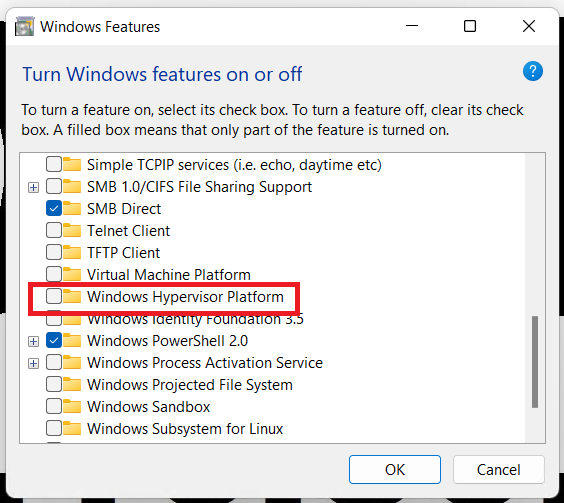
Before I install Workstation I validate that Windows Hyper-V is not enabled. To do this, I go into Windows Features, ensure that Hyper-V and Windows Hypervisor Platform are NOT checked.
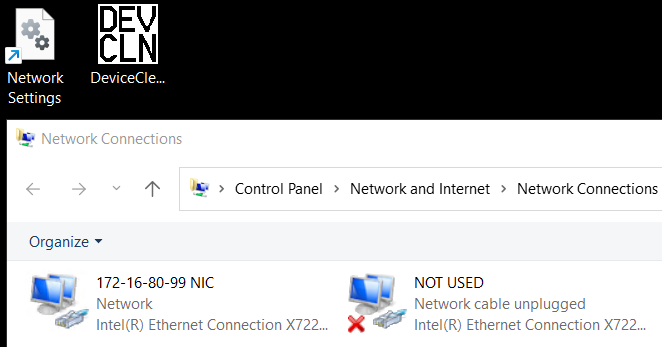
Next I ensure I set a static IP address to my Windows system and give the NIC a unique name.
Tip: Want the fast lane to Windows 11 network settings? Check out my blog post on how to make a super quick Network Settings shortcut.
Next, I install Workstation Pro 25H2u1. For more information on how to install Workstation 25H2u1 see my blog.
Restore Workstation LAN Segments
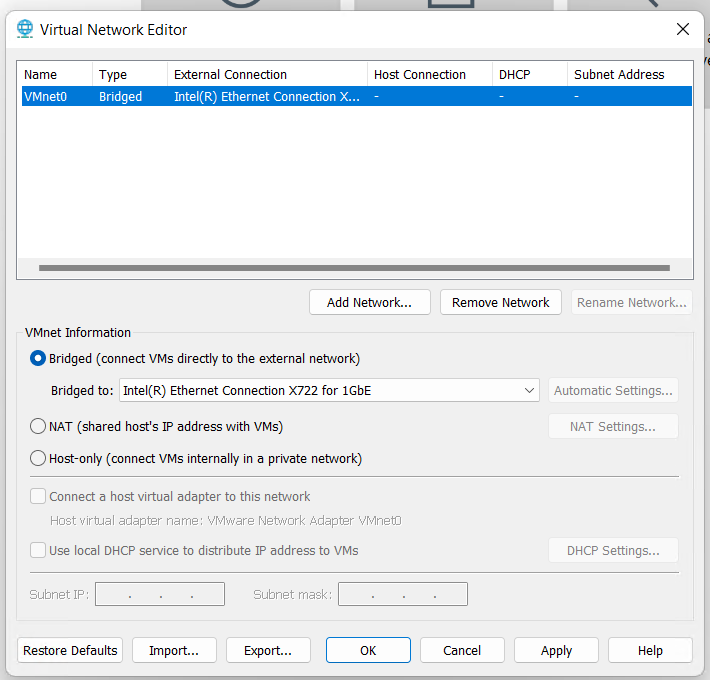
After the Workstation installation is complete, I go into the Virtual Network Editor. I delete the other VMnets and bridge VMnet0 to match the correct network adapter.
Next I create a shell VM and then recreate all the VLAN Segments. For more information on this process, see my post under LAN Segments.
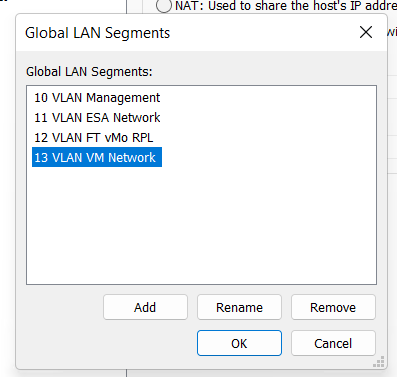
One by one I add in the rest of my VM’s and simply assign their LAN Segments.
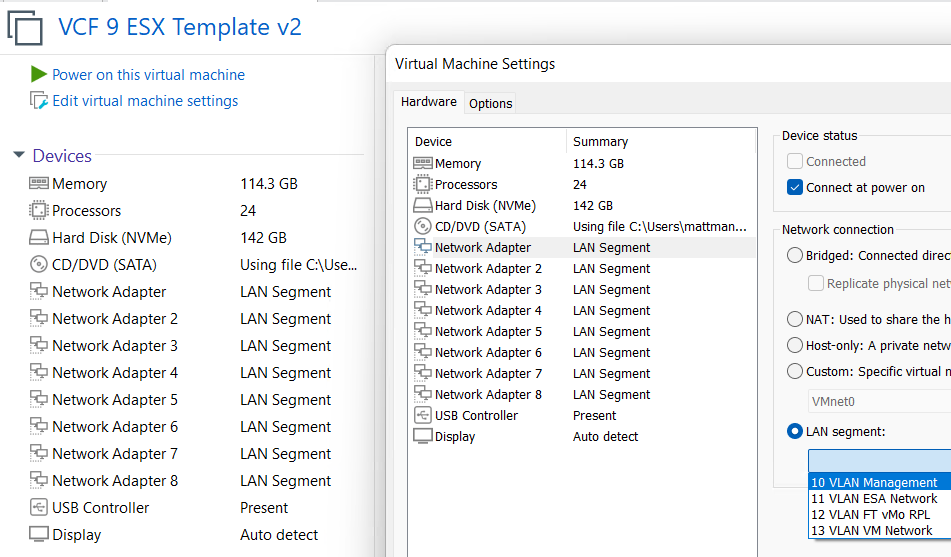
This is what I love about Workstation, I was able to change and reconstruct a new server, migrate storage devices, and then recover my entire VCF 9 environment. In my next post I’ll cover how I set up Windows 11 for better performance.
 vmexplorer