The simple and quick way to access to Windows 11 Network Connections
Using VMware Workstation I commonly have a need to change the IP information on my test VM’s quickly. No matter the GUI or shortcuts I find myself going through several clicks to get there. What if there was a more direct path to these options, and in this blog I’ll show you how.
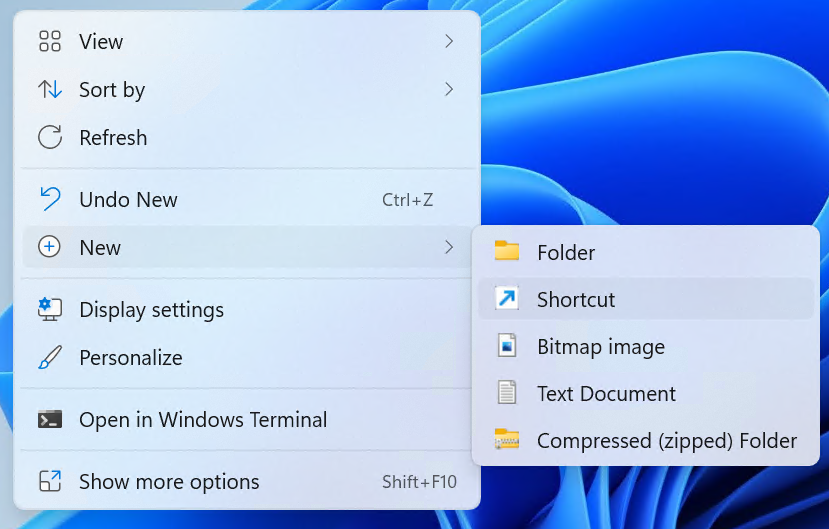
From the desktop, right click and choose New > Shortcut
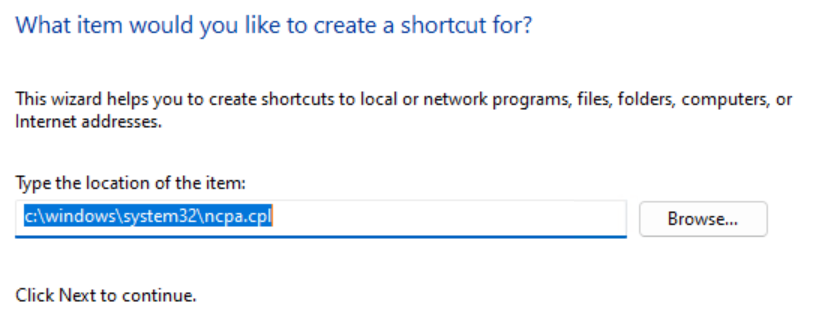
Type in the path below and choose next.
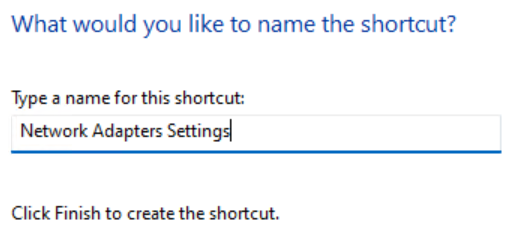
Type in a name you’ll remember and click on Finish.
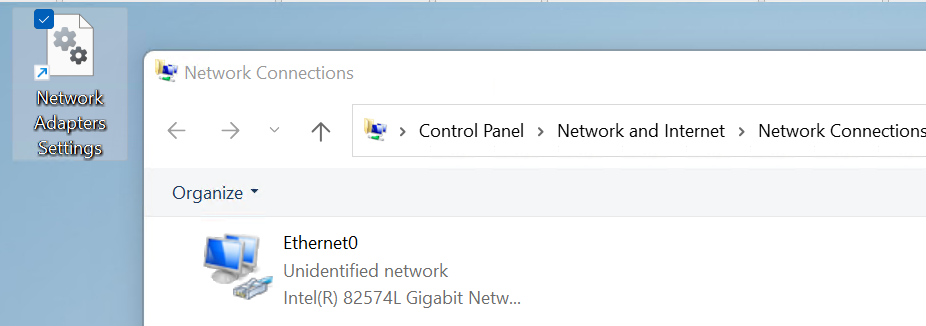
Double click on your new ICON and you’ll be redirect right into the Network Connections giving you access to your network adapters.
 vmexplorer
March 2, 2026 at 2:49 pm
[…] Want a quick way to your network adapters in Windows 11? Check out my blog post on how to make a super quick Network Settings […]
LikeLike